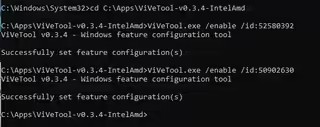
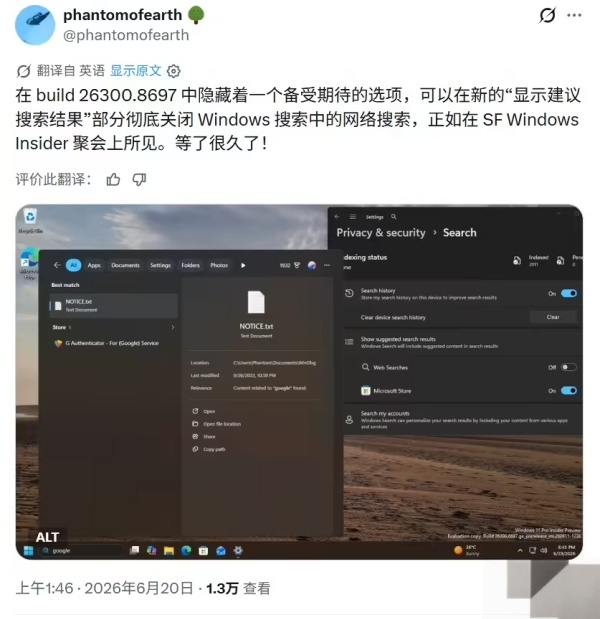
Win11 26300.8697 预览版怎么用系统原生开关清理搜索 Bing 网页结果
在 Win11 26300 8697 预览版中,系统新增原生控制开关,无需借助注册表、第三方工具即可直接清除搜索面板里的 Bing 网页搜索结果,那么不知道怎么操作的用户可以来看看吧。

更新日期:2022-11-23
来源:纯净之家
Win11安装Linux子系统提示代码0x800701bc怎么解决?众所周知我们的win11系统是可以安装Linux子系统的,但是不少用户在安装过程之中出现报错代码,那么这个问题要怎么解决,本期小编就来和大伙分享一下解决方法,希望能够给大伙带来帮助。
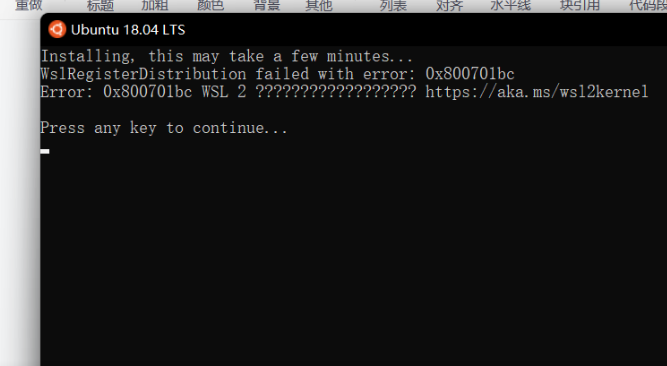
错误提示:
Installing, this may take a few minutes…
WslRegisterDistribution failed with error: 0x800701bc
Error: 0x800701bc WSL 2 ???https://aka.ms/wsl2kernel
Press any key to continue…
解决方法:
首先下载Windows Subsystem for Linux Update setup 官方版将WSL1升级到WSL2。
然后再次尝试即可。
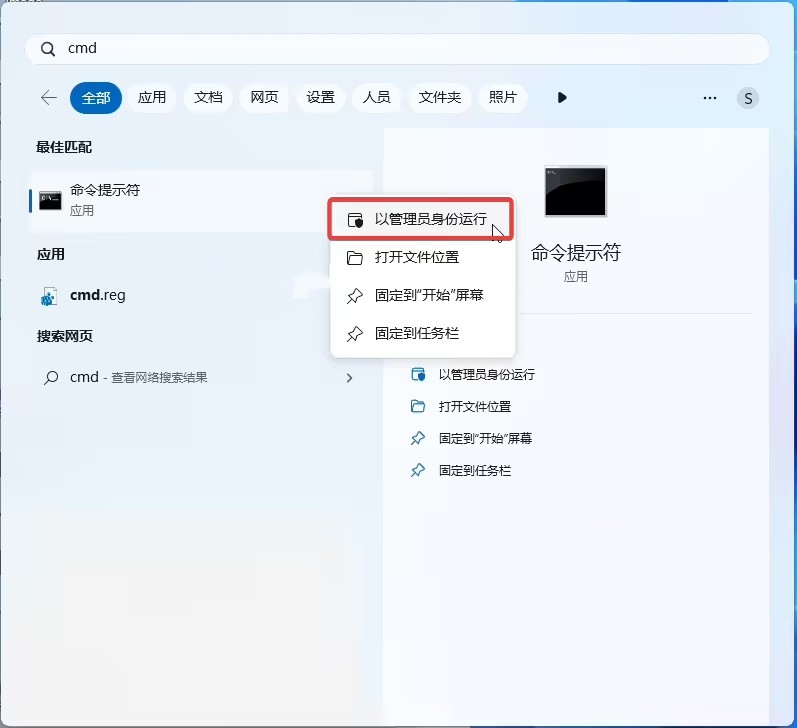
如果还没有解决问题,就需要用管理权限打开cmd或者powershell,分别输入下面代码。
用管理权限打开cmd或者powershell,分别输入下面代码:
bcdedit /set hypervisorlaunchtype Auto
Enable-WindowsOptionalFeature -Online -FeatureName Microsoft-Hyper-V -All
Enable-WindowsOptionalFeature -Online -FeatureName VirtualMachinePlatform
Enable-WindowsOptionalFeature -Online -FeatureName Microsoft-Windows-Subsystem-Linux
到这里就应该都没有问题了。
Win11 26300.8697 预览版怎么用系统原生开关清理搜索 Bing 网页结果
在 Win11 26300 8697 预览版中,系统新增原生控制开关,无需借助注册表、第三方工具即可直接清除搜索面板里的 Bing 网页搜索结果,那么不知道怎么操作的用户可以来看看吧。
Win11本地账户怎么更改头像?Win11本地账户图片如何更改方法
不少使用 Win11 本地账户的用户,想要更换登录界面、开始菜单显示的账户头像,其实系统自带完整修改功能,无需借助第三方软件,一起来看看具体操作步骤。
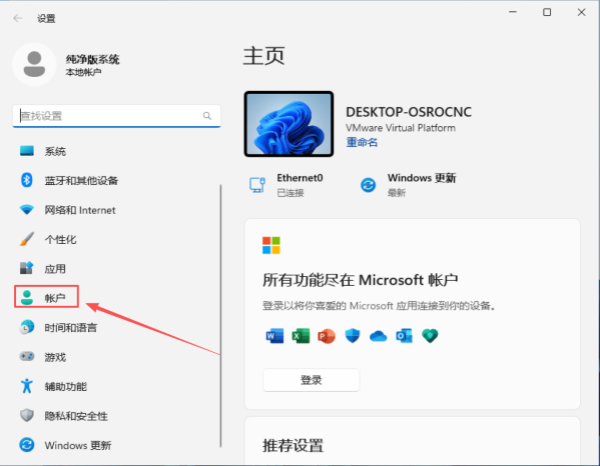
微软 Win11 搜索功能更新:仅输入两个字母就能找到文件
纯净之家 6 月 1 日最新消息, Windows 11 的 Windows 搜索推送了两项意义重大的更新,力求“更快找到所需内容,清晰展示应用、文件与系统设置,帮助用户快速获取精准结果”。如今,这些承诺终于落地,目前第一项更新已通过更新补丁逐步推送给普通电脑用户,第二项优化目前正在 Windows 11 预览版上进行测试。
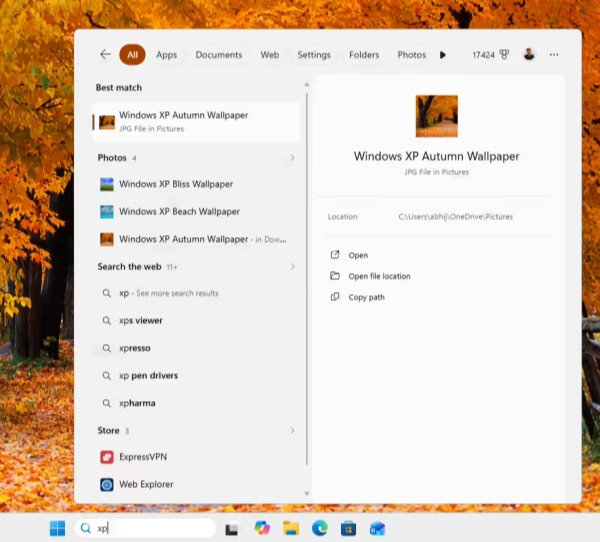
无需第三方软件!手把手教你禁用 Win11 系统 13 项 AI 功能
Win11 自带的各类 AI 功能虽然主打智能体验,但是有些用户觉得占用资源、干扰操作,所以想知道有什么方法能关掉这些 AI 功能?下面,小编将一步步教大家关闭 Win11 系统中 13 项 Copilot 和 AI 集成,让 Win11 系统更清爽、更流畅。
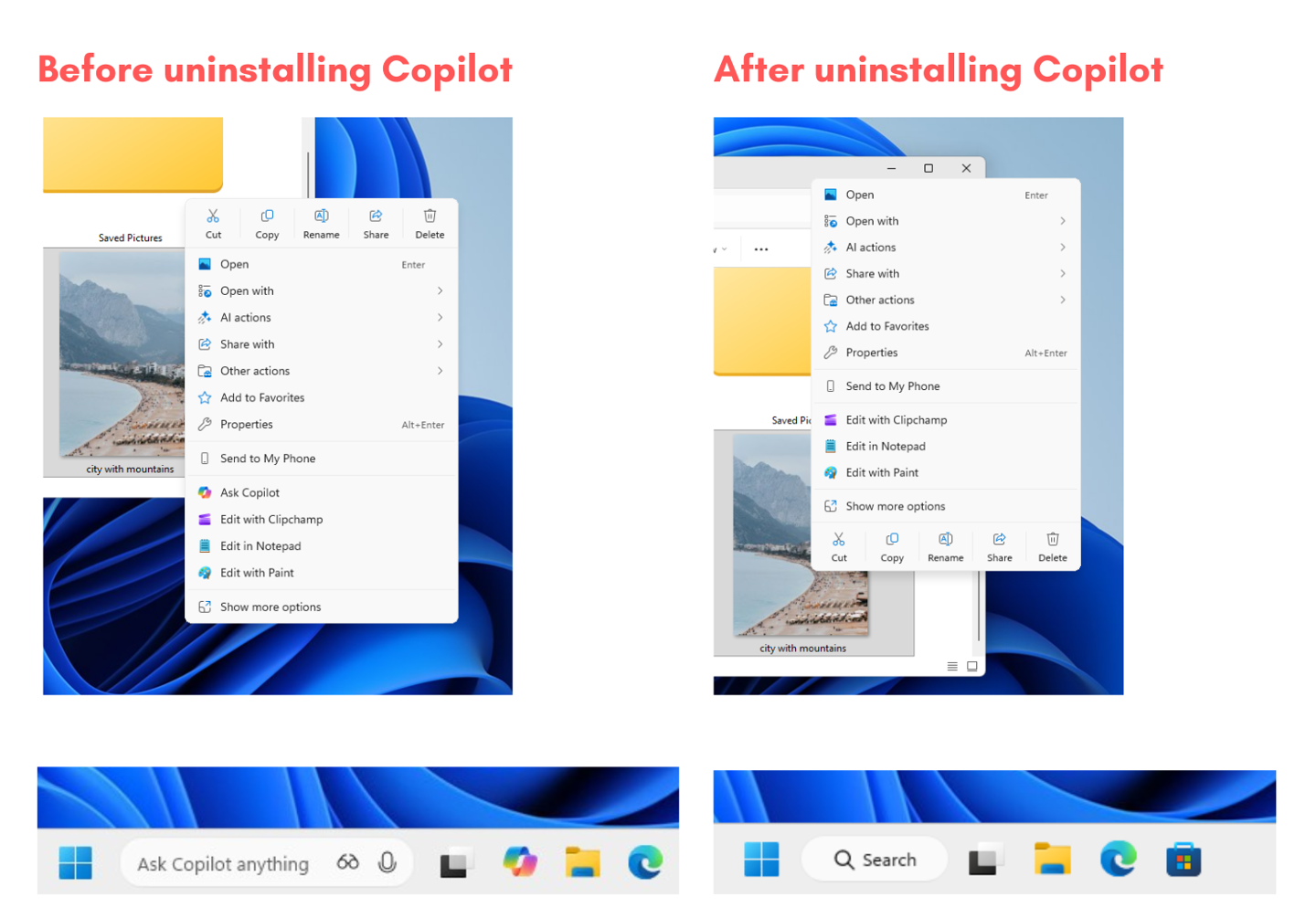
通过注册表方式屏蔽 Win11 开始菜单“AI 工具”板块的教程
Win11 开始菜单新增的 AI 工具板块,虽然主打智能辅助,但很多用户觉得它占用界面空间、影响操作效率。下面,小编给大家带来详细的注册表操作教程,一步步教大家关闭这个 AI 工具板块,让大家的 Win11 开始菜单更清爽、更贴合使用习惯。
Win11 安装安卓应用的方法
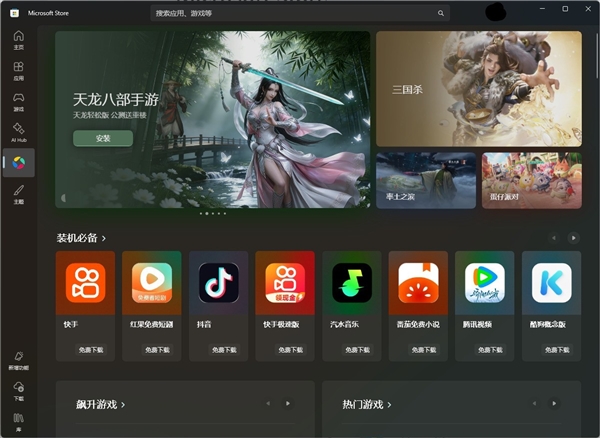
Win11 系统拥有安卓应用运行功能,让不少用户实现了 “电脑玩转手机应用” 的需求。不管是办公所需的移动端专属 App,还是休闲娱乐的手游、短视频软件,都能在 PC 端轻松体验。不过,很多用户不清楚具体该如何安装安卓应用,其实安装方法并不复杂。接下来,小编就为大家详细介绍 Win11 安装安卓应用的方法步骤。
Win11 文件管理器启用瘦身版右键菜单、后台预加载教程
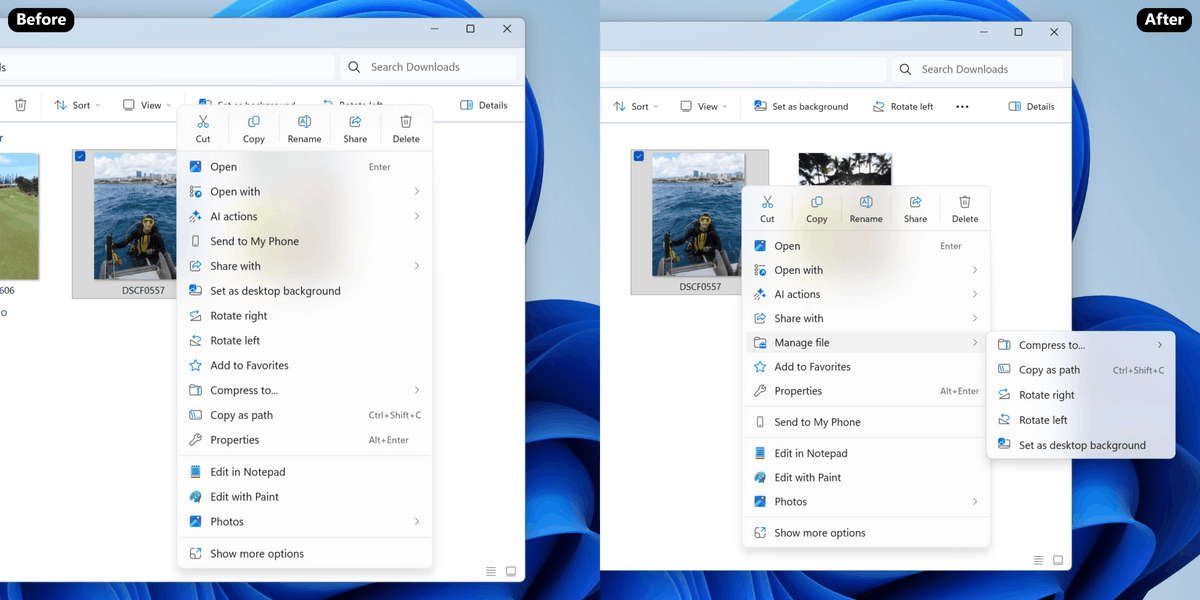
微软面向 Win11 Dev Beta 频道推送 Build 26220 7271 预览版,启用针对文件管理器的两项改进:精简右键菜单以及预加载。该版本采用分批部署策略,未自动启用的用户可通过 ViveTool 工具手动启用。以下,小编给大家带来详细的启动教程步骤介绍。
Win11 26200.7171 隐藏功能解锁方法
微软已面向 Win11 用户推送了 11 月累积更新补丁 KB5068861。更新后,系统版本号将升至 26200 7171。然而,由于微软采用分阶段推送策略,多项备受期待的新功能被默认隐藏,并未立即向所有用户开放。以下,小编给大家详细介绍解锁 Win11 26200 7171 隐藏功能的方法步骤。
Win11 23H2 家庭版 / 专业版 11 月 11 日停服!一键升级 24H2/25H2
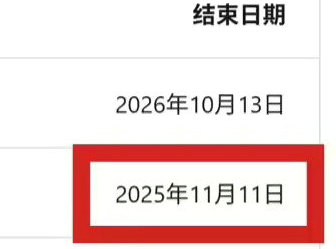
Win11 23H2 家庭版与专业版于 2025 年 11 月 11 日正式终止服务。停服后将不再接收任何安全更新、功能优化及技术支持,设备易因漏洞暴露面临恶意攻击风险。为保障使用安全与体验,可以考虑系统版本升级至 Win11 24H2 或 25H2 版本。以下,小编给大家带来升级教程步骤介绍。
Win11 26200.7019 右键菜单改变了吗
Win11 26200 7019 右键菜单改变了吗?微软已面向 25H2 用户推送 10 月可选更新补丁 KB5067036 ,用户安装后版本号升级到 26200 7019。本次更新为用户带来了全新设计的“开始”菜单。用户可通过直接安装该补丁,或下载集成此补丁的系统镜像完成升级,轻松体验新版 “开始” 菜单。
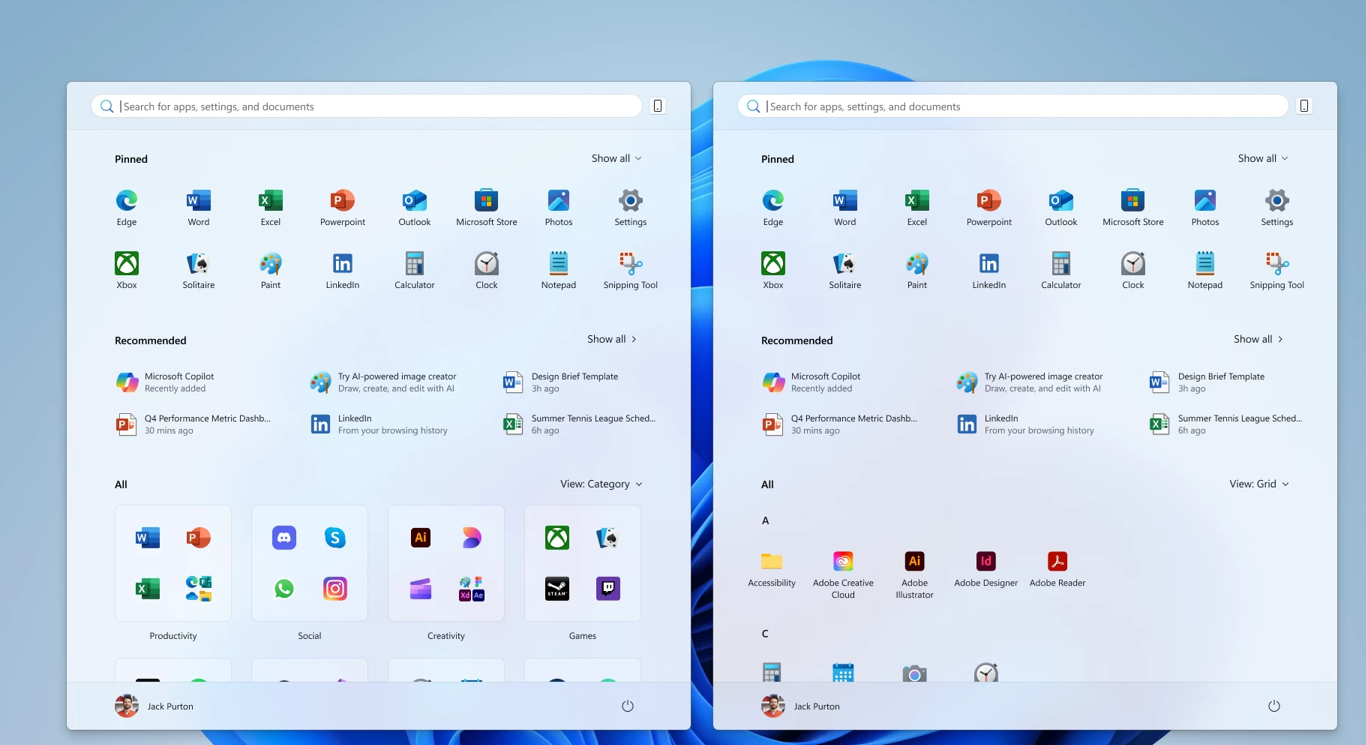
Win11 新版开始菜单启用方法
微软已面向 Win11 用户推送了 10 月可选更新补丁 KB5067036。此次更新为用户带来了全新设计的开始菜单,允许用户在“设置 > 个性化 > 开始”中选择关闭“推荐”栏。有用户发现自己虽然安装了该可选更新补丁,但未发现新版开始菜单。以下,小编给大家带来启用 Win11 系统新版开始菜单的方法介绍。
Win11 25H2 及 24H2 版本隐藏新功能启用方法
Win11 25H2 及 24H2 版本带来不少实用新功能,但受微软分阶段推送策略影响,许多用户升级后发现,部分功能并未同步解锁。其实无需久等,借助 ViveTool 工具就能手动启用这些隐藏功能。接下来,小编就为大家带来详细的操作步骤,帮助大家告别推送等待,提前体验到完整的系统功能更新。
Windows11 25H2镜像文件下载地址
Windows 11 25H2 版本带来了 AI 智能体集成、任务栏紧凑布局、文件拖动即共享等实用升级。很多用户想把系统升级为 25H2 版本,但不知道 Windows 11 25H2 镜像文件在哪里?以下,小编给大家分享 Windows 11 25H2 镜像文件的下载地址,方便大家下载与安装。
家庭版系统打开本地组策略编辑器的方法
在Windows系统中,本地组策略编辑器是管理系统设置、优化功能权限的实用工具。默认情况下,家庭版系统并未预装可直接调用的入口,这让不少家庭版用户无法直接打开本地组策略编辑器。以下,小编给大家带来家庭版系统打开本地组策略编辑器的方法步骤介绍。此方法Win10和Win11通用。
Win11 掌机 Xbox 全屏模式启用教程
在 Win11 25H2 最新 Release Preview 预览版中,微软为掌机用户带来了重磅功能,那就是 Xbox 全屏模式。经实测,此模式可为微星 Claw、华硕 ROG Ally 等设备节省约 2GB 内存,显著提升游戏运行流畅度。以下,小编给大家详细介绍在 Win11 掌机上提前启用这一隐藏功能的教程步骤。